
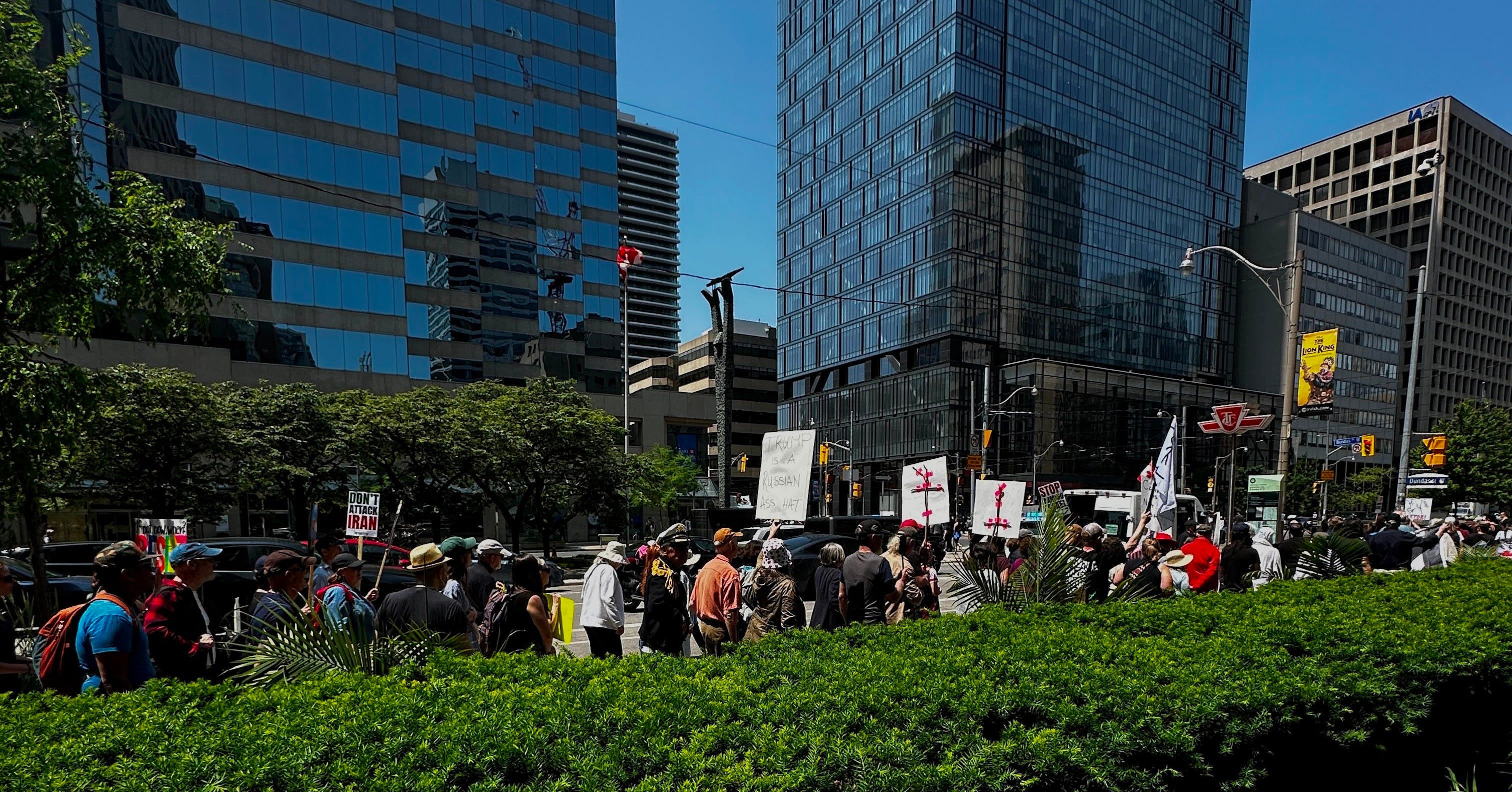
We are peaceful people; we are loving people. We love everybody who loves us. But we don’t love anybody who doesn’t love us. We are nonviolent with people who are nonviolent with us. But we are not nonviolent with anyone who is violent with us.
Despite my belief that North American nonescalatory protests do not do very much when not combined with tangible actions such as boycotts and divestments, the knowledge of what to do—and what not to do—during a protest is crucial.
I’ve attempted to generalize as much as possible, to ensure this covers as many motivations for/reasons of protest as possible.
Before the Protest
I often stress the fact that you do not need to RSVP or register to protest.
In Canada, the Charter of Rights and Freedoms allows citizens to gather peacefully to express their views and advocate for change.
In the USA, the rights to peaceful assembly and free expression are enabled by the First Amendment.
By RSVPing, you are voluntarily sharing personal information that can be used by other parties, including but not limited to government agencies, in the event of a warrant, subpoena, hack, etc.
If you are organizing, choose a route/site with multiple exit options at all times. Avoid choke points such as narrow bridges, single-land tunnels, or dead-end plazas. Do not get funnelled.
Have a clear timeline from assembly to action to dispersal.
Even if you are not organizing, use this to decide whether a protest is worth attending.
As an additional note, ensure the protests you attend have clear goals. No Kings, for instance, was heavily criticized (among other reasons) for not having any calls to action.
As for technology, the safest choice is to not bring any at all. Phones, for instance, are vulnerable to exposure through cell-site connections, background app telemetry, Wi-Fi and Bluetooth interactions, photo and file metadata, and real-time cloud backups.
If taking public transit, know when buses/trains/etc. will arrive, and avoid checking in real-time if possible.
I heavily recommend avoiding the use of a bus pass or other trackable method as well; cash or a transfer is best.
If you must bring technology, such as a phone, there are several steps to take to “go dark” (as much as possible):
Turn Airplane Mode ON.
Turn Wi-Fi and Bluetooth OFF.
Turn Location Settings OFF. (For iPhones, this can be accessed through Settings > Privacy & Security > Location Services.)
Turn Analytics sharing OFF. (This is also under Privacy & Security for iPhones.)
Turn Find My or similar “lost device” trackers OFF.
Turn automatic cloud syncing OFF. (Having Wi-Fi and Mobile Data off should already restrict this, though further coverage doesn’t hurt.)
Assume that phones can be seized, and through a warrant/subpoena, data can be inspected.
As such, keep all critical info on paper; this is harder to hack and easier to destroy. This includes contact details for legal observers and/or lawyers.
Bear arms if you can. Whenever possible, it is beneficial to be, at the very least, equally armed as the state thugs.
During and After the Protest
If you have a device on you, take photos and videos for documentation. I do not recommend live-streaming (again, Wi-Fi and mobile service should be disabled).
I find that a digital camera is more useful than a phone in this scenario, as most lack cellular radio (continuous tower pings) and automatic cloud backup. Additionally, they have a better battery life and optical zoom for distance documentation and are able to take stills and video at a faster speed and higher quality compared to most phones.
Still, know that the camera can be seized. (Know, also, that SD cards are the important component; the police cannot do anything with an empty camera. Do with this information what you will.)
If/when posting online, do so only after leaving the event (preferably when it ends entirely), and remove location (EXIF) data if present. Ensure the originals remain timestamped. There are many ways to do this:
To do this on Windows (desktop), right-click the file and access Properties, click “Remove Properties and Personal Information,” then ensure “Create a copy with all possible properties removed” is selected before pressing “OK.”
Alternatively, if the file is already a copy, select “Remove the following properties from this file,” then scroll down to GPS and mark all three checkboxes—Latitude, Longitude, and Altitude. You can choose to remove other properties as well, such as Camera/lens maker/model (the prior method does this automatically).
If you are using a mobile device, you are able to remove location data natively. On iOS, open the photo/video, access the options (three dots in the top right corner), select “Adjust Location,” then choose “No Location.” (This should come up automatically for content with location data.)
Furthermore, know that if your camera was purchased traceably (for instance, through a card or an online account) or registered, the serial number can be traced back to you.
Do not interact with police. If you are held, ask if you are being arrested. If not, walk away. If so, do not answer any questions without a lawyer present. Remember that the right to silence only applies if you remain silent; any further response can be used against you.
In the event of escalation, be prepared to ditch picket signs.
If you are of a privileged social class (ethnicity, gender, etc.), it is your role to ensure that minorities remain protected at all times. Stand at the front lines.
Beyond this, continue your activism. Calls for change do not end when a protest does; they end when tangible change arrives.